
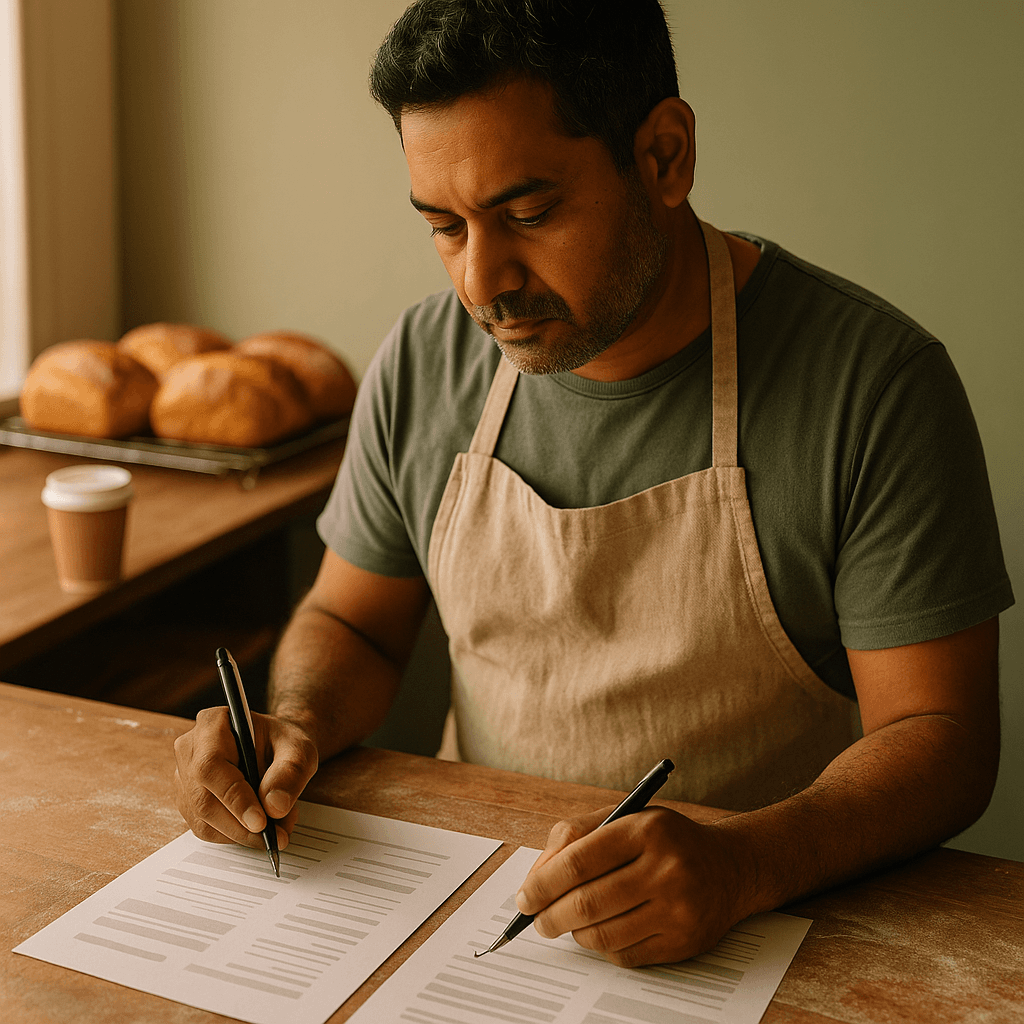
You get two quotes for the same website. One says $2,400 and the other says $4,800, and both promise a 'professional, mobile friendly, SEO ready site'. You pick the cheaper one, and three weeks later you learn the photos, the writing and the contact form are all extra.
A web design quote is only useful if it spells out what you actually get. This checklist gives you the questions to ask so you can compare quotes fairly and spot the gaps before you sign anything.
Why a web design quote should read like a checklist, not a number
The total price tells you very little. Two quotes at the same price can cover completely different amounts of work, and two quotes at very different prices can be closer than they look.
A good quote lets you answer three questions without a phone call: what am I getting, what am I not getting, and what will I pay after launch? If you cannot answer all three, the quote is not finished.
Also check the basics at the top. It should show the business name and ABN, the date, how long the price is valid, and whether the amounts include GST. A quote that says $3,000 and leaves GST vague can quietly turn into $3,300.
Scope: the pages, features and what is left out
This is where most quotes are thinnest. 'Up to 5 pages' or 'standard website' means different things to different people.
Look for a clear list of pages by name, such as Home, About, Services, Contact and Gallery. Then look for any features, because these are often priced separately.
- How many pages are included, and what does an extra page cost?
- Is there a contact or quote request form, and where do the enquiries go?
- Is online booking, a shop or a payment gateway included, or is that a later phase?
- Are Google Maps, social media links and a reviews section included?
- Is there anything the quote says is excluded?
The exclusions line is the most honest part of a quote. If there isn't one, ask for it in writing. 'What is not included?' is a perfectly polite question.
Content, design and revisions: who does the work
Websites are made of words and photos, and someone has to produce them. A quote that is silent on this usually means you are doing it.
Ask who writes the copy. Some designers write it, some edit what you supply, and some drop in whatever you send. All three are fine, as long as you know which one you are paying for.
Photos work the same way. Check whether the quote includes stock images, a photo shoot, or only your own pictures. Real photos of your team and your work almost always beat stock, so budget some time for that either way.
Then look at revisions. Before and after examples help here:
Vague: 'Revisions included.' Clear: 'Two rounds of design changes, with feedback consolidated into one list per round.'
The second version protects both sides. You know what you have, and the designer knows when a round is finished.
Technical basics every web design quote should cover
This is the section people skip because it sounds boring. It is also where cheap quotes quietly cut corners.
You want to see these items named, not assumed:
- Mobile layout tested on real phones, not just a resized desktop page
- SSL certificate, so the site loads with the padlock
- Basic page speed work, such as compressed images
- Basic on-page SEO: page titles, meta descriptions, headings and image descriptions
- Google Analytics and Search Console set up
- A Google Business Profile link or a check that your details match
- Redirects from your old site, if you have one, so you do not lose existing search traffic
'SEO included' on its own means almost nothing. It could mean a full keyword plan or one plugin installed. Ask what is actually done, and ask to see the page titles before launch.
If you want a quick test, ask: 'What happens on launch day?' A good answer includes testing forms, checking links, submitting the sitemap and confirming enquiries reach your inbox.
Ownership, hosting and ongoing costs
This section decides whether your site is an asset or a rental. Spend ten minutes on it.
Hosting and domain costs vary, but many small business sites run on hosting somewhere in the range of about $15 to $60 a month, and a .com.au domain is usually around $15 to $30 a year. Treat those as ballparks and check what the quote says. The point is that you know the number before you sign, not what it is exactly.
Then ask these ownership questions:
- Will the domain be registered in your name, with you as the owner on the registrar account?
- Do you get admin logins to the site and hosting?
- If you leave, can you take your site, content and images with you?
- Are any themes, plugins or fonts on licences that renew yearly, and who pays?
- Is there a monthly care plan, and what does it cover: updates, backups, security, small edits?
None of these are unreasonable questions. A designer who gets defensive about domain ownership is telling you something useful.
Also look for the post-launch period. Some quotes include 30 days of free fixes, others include none. Small bugs often show up in the first few weeks, so this matters more than it sounds.
Payment, timeline and how to compare quotes side by side
Check how the payment is split. A common structure is a deposit to start, a payment at design approval and a final payment at launch. Be cautious of anything that asks for the full amount upfront, or leaves the last payment unconnected to a finished site.
Then check the timeline. A quote should give a realistic number of weeks, and say what the designer needs from you to hit it. Late content from the client is the most common reason projects drag, so the quote should say what happens if that occurs.
To compare quotes properly, put them in a simple table on paper or in a spreadsheet, with one row per item above and one column per designer. Mark each cell as included, extra, or not mentioned. The 'not mentioned' cells are your questions to send back.
Once the blanks are filled in, the cheapest quote often stops being the cheapest. Sometimes it still is, and that is fine too. You are just choosing with your eyes open.
Common mistakes when reading quotes
Comparing totals without comparing scope. Assuming hosting is included. Taking a verbal promise as part of the deal. If it matters, get it in the quote or the agreement.
Things to do this week
- Pull out any quotes you already have and tick off each section of this checklist. Circle anything that is missing.
- Email each designer one list of questions covering the gaps, so answers come back in writing.
- Check who owns your current domain and where the login lives. Many owners find it is under a past designer's name.
- Write down your must-have features and your nice-to-haves, so you can tell a core cost from an add-on.
- Set a realistic budget range, including hosting and support, before you ask for the next quote.
If you would like a quote that lists exactly what is in and what is out, you can look at our small business website design packages. No pressure either way: use the checklist on whoever you like.